Redacting Receipts and Shipping Labels: How to Permanently Mask Sensitive Photo Data
2026-09-23 · 3 min read
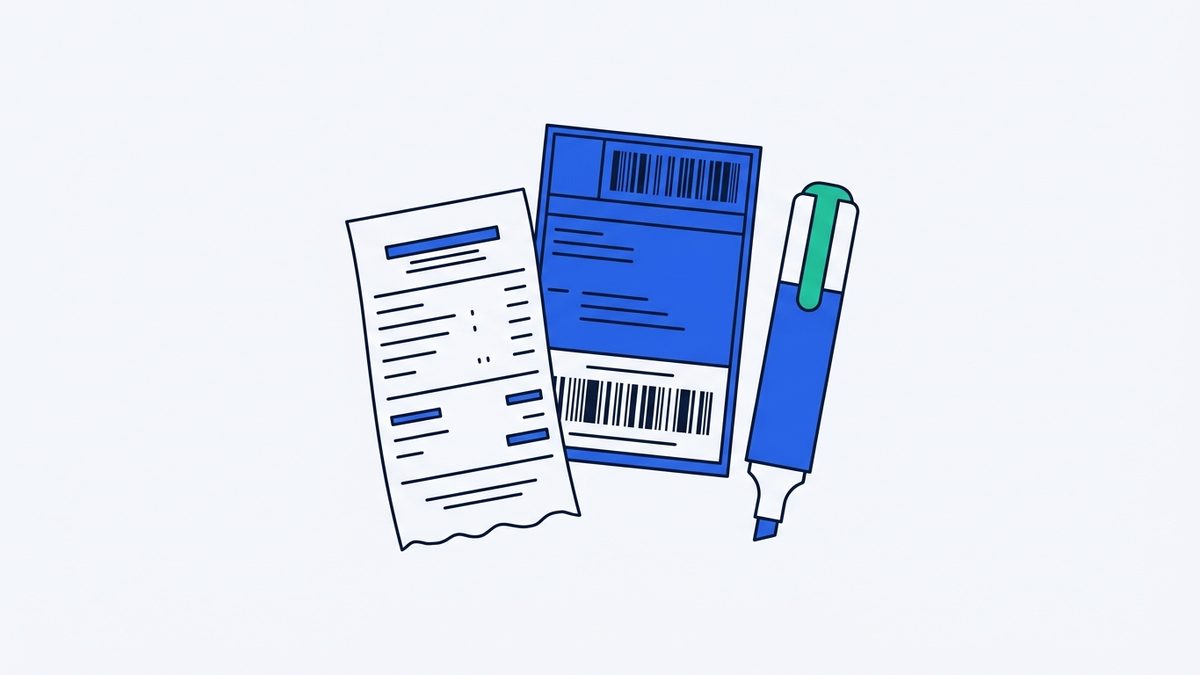
Privacy risks hidden in review and proof photos
When posting verified customer reviews, unboxing photos on social media, community proof-of-purchase images, or secondhand marketplace listings, users frequently upload pictures containing unintended personal data. Standard paper purchase receipts display masked payment card numbers, merchant authorization codes, transaction timestamps, and register identifiers, while courier shipping labels and delivery package tags reveal full recipient names, detailed residential addresses, contact phone numbers, tracking numbers, and scannable barcodes.
Even when portions of a card number or phone number are partially masked with asterisks by the point-of-sale system, malicious actors can cross-reference visible digits with merchant details, date stamps, and public records to reconstruct identity profiles. Furthermore, leaving tracking barcodes or alphanumeric consignment codes exposed allows third parties to query shipping carrier portals, exposing real-time delivery timelines, transit checkpoints, dispatch origins, and the specific categories of merchandise purchased.
Limitations of default smartphone markup and recovery risks
A common method for concealing private details involves using built-in smartphone gallery editing tools to scribble over sensitive text with a semi-transparent brush or highlighter tool. While this drawing may appear opaque on a mobile display, standard highlighter brushes frequently retain alpha-channel transparency across overlapping brushstrokes, leaving the underlying text data partially intact within the image file.
Third parties can easily reveal the obscured information beneath semi-transparent markups by adjusting brightness, exposure, contrast, and levels in basic photo editing software. Reliable privacy protection requires more than superficial visual concealment; it demands completely replacing the underlying pixel values with solid monochromatic color blocks or randomized pixelation patterns so that the original raster data is permanently overwritten and physically unrecoverable.
Key masking zones on receipts and labels and how to handle them
When preparing a receipt photo for publication, essential redaction zones include the partial credit card digits, terminal approval numbers, employee IDs, and itemized transaction totals if financial privacy is required. On parcel shipping labels, you should thoroughly cover the street address, recipient phone number, return sender details, tracking numbers, and the entire barcode area to prevent automated optical scanners from reading the shipment identifier.
When multiple sensitive areas are scattered across a single image, utilizing Redact & Blur Image allows you to drag bounding boxes directly over each target zone using a mouse or touchscreen to apply solid black boxes, white boxes, or pixelation filters across multiple areas simultaneously. If an area is marked incorrectly, you can easily undo individual actions or clear the canvas to start over, and once satisfied, you can export the single image as a JPG, PNG, or WebP file where the target pixels are definitively overwritten and impossible to reverse.
Tool for this postRedact & Blur ImageDrag over ID numbers, accounts or faces to black out or pixelateNo upload · Free · No installOpen →Removing metadata before posting online
In addition to the visible text printed on paper slips, digital photos taken with smartphones or digital cameras embed hidden EXIF metadata containing the exact capture timestamp, device hardware model, lens specifications, and GPS latitude and longitude coordinates. Sharing raw review photos without stripping these hidden tags can inadvertently reveal your home address or current location even if every visible word on the receipt is masked.
To prevent location leaks through file metadata, relying on a manual workflow where you select specific masking zones yourself and export a metadata-free file is essential, rather than trusting automated filters that might miss non-standard layouts. By sanitizing and redacting your images directly in the browser with Redact & Blur Image, which processes files without automatic face or number detection and removes all EXIF tags from the final export without sending data to external servers, you can share authentic product reviews and proof photos while keeping your personal privacy fully protected.
Try it in your browser nowRedact & Blur ImageDrag over ID numbers, accounts or faces to black out or pixelateNo upload · Free · No installOpen →