How to Extract Signature Pages from a PDF Contract: Page Range Selection and Best Practices
2026-09-23 · 4 min read
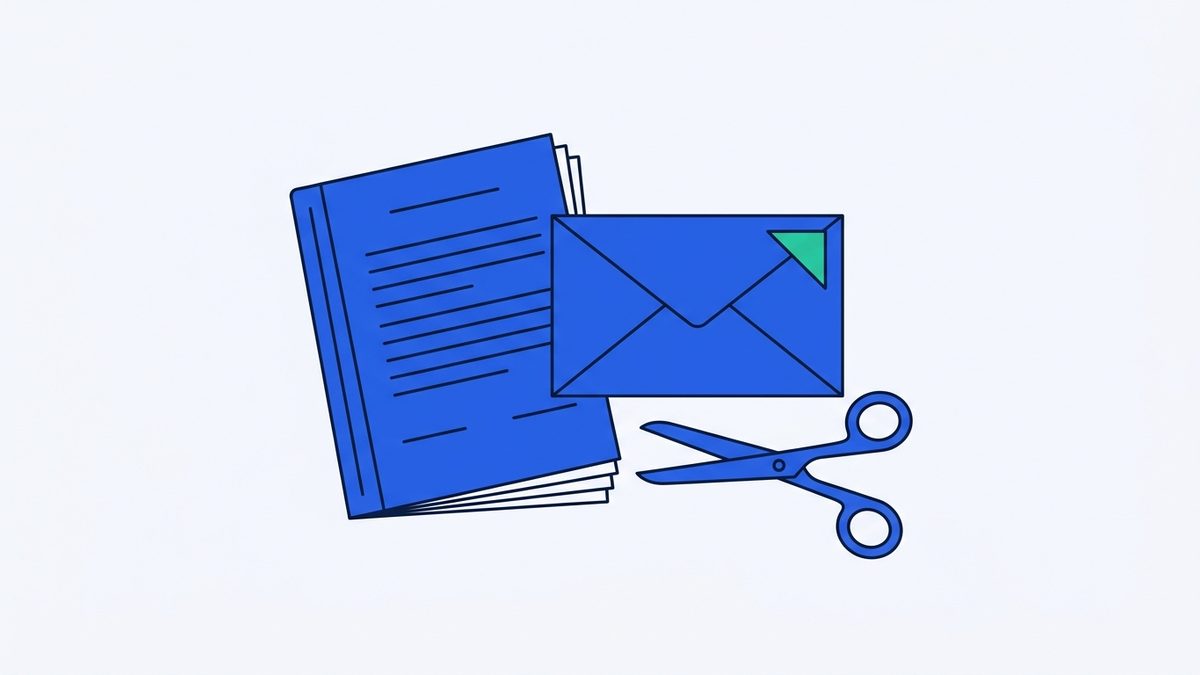
Why Sharing an Entire Contract Is Often Impractical
Commercial agreements, enterprise vendor contracts, nondisclosure agreements, and cross-departmental service partnerships frequently span dozens or even hundreds of pages of intricate legal provisions and detailed operational stipulations.
Beyond the foundational clauses, liability terms, and general covenants, these comprehensive PDF documents routinely compile extensive technical specifications, project milestone schedules, itemized cost breakdowns, internal estimates, and supplemental exhibits into one unified master file.
When a contract is fully executed and you need to log approval with finance teams, update internal project stakeholders, or confirm signing status with external vendors, transmitting the entire multi-megabyte document creates unnecessary email clutter and consumes excessive storage bandwidth.
Extracting Signature Pages by Specifying Page Ranges
In day-to-day administrative operations and corporate procurement, team members frequently need to isolate and share only the final executed signature pages rather than distributing the entire legal document package to every recipient.
Filtering out non-essential operational terms and isolating the formal execution block allows reviewing parties, accounting officers, and external coordinators to immediately verify authorized signatories, corporate seals, and execution dates without navigating through voluminous annexes and background clauses.
For example, in a fifteen-page master services agreement where the formal entity details, signatory lines, corporate titles, and execution dates are located across pages 12 and 13, extracting those two specific sheets provides a clean, concise, and focused verification document for internal processing.
Splitting Files Locally Inside Your Web Browser
When managing sensitive business contracts, using client-side tools like Split PDF ensures that documents are processed entirely within your web browser without ever being uploaded to external servers or stored on remote cloud infrastructure.
Tool for this postSplit PDFExtract a page range, or one file per pageNo upload · Free · No installOpen →You can extract the required pages immediately by entering a targeted page range like 12-13 into the input field, generating an isolated PDF file in seconds without installing specialized desktop software or paying for commercial PDF editors.
If you need to extract multiple distinct sections across a lengthy agreement at the same time, entering custom combinations such as 1-3, 5, 8- allows you to extract introductory recitals, summary schedules, and signature blocks in a single streamlined operation.
Preserving Page Order and Reducing File Size
The newly generated PDF file maintains the exact sequential order of your selected pages, and modern browser-based extractors also give you the flexibility to download individual pages bundled in an organized ZIP archive with zero-padded numbering for systematic recordkeeping.
A focused document containing only the signature block is dramatically smaller in file size than the original contract bundle, which often carries embedded architectural diagrams, high-resolution scanned annexes, and heavy graphic assets.
Removing heavy technical exhibits and lengthy standard boilerplate clauses produces a lightweight PDF that attaches smoothly to internal ticketing systems, enterprise resource planning platforms, and everyday email threads without exceeding attachment size restrictions.
Digital Signature Validity and Archival Requirements
While isolating signature pages offers clear operational convenience, business professionals must exercise caution when working with documents that incorporate cryptographic digital signatures, public key certificates, or certified electronic signing credentials.
Extracting, splitting, or reordering pages from a cryptographically sealed PDF alters the file structure and invalidates the underlying digital signature checksum, breaking the verification value established by certified digital signature authorities.
Consequently, for statutory audit compliance, regulatory submissions, or potential legal dispute proceedings where full evidentiary integrity is mandatory, you must always preserve, archive, and present the complete, unmodified original digital master contract alongside any extracted summary pages.
File Naming Conventions and Privacy Considerations
Extracted signature pages should serve primarily as practical administrative reference exhibits, payment authorization attachments, or internal execution confirmations rather than permanent legal substitutes for the underlying bilateral agreement.
When preparing extracted PDF pages for distribution across external partner teams or external vendors, always apply consistent and standardized file naming conventions rather than leaving ambiguous system-generated file names or sensitive internal project identifiers in place.
Adopting structured file names such as VendorAgreement_2026_SignaturePages.pdf helps all recipients immediately understand the context of the document while preventing the inadvertent exposure of confidential internal code names or unreleased project details.
Streamlining Contract Workflows with Local Tools
Because contract signature blocks frequently contain sensitive personal and corporate information, including direct contact telephone numbers, executive email addresses, and handwritten signatures, always double-check recipient email addresses before sending extracted documents.
Safeguarding confidential commercial transactions and enterprise data begins with choosing privacy-first tools that process sensitive files on your local device without exposing proprietary contract terms to third-party servers.
When you need a secure, fast, and dependable way to extract specific page ranges from multi-page agreements, use Split PDF to process your contracts privately within your browser without uploading files or risking sensitive data exposure.
Try it in your browser nowSplit PDFExtract a page range, or one file per pageNo upload · Free · No installOpen →